
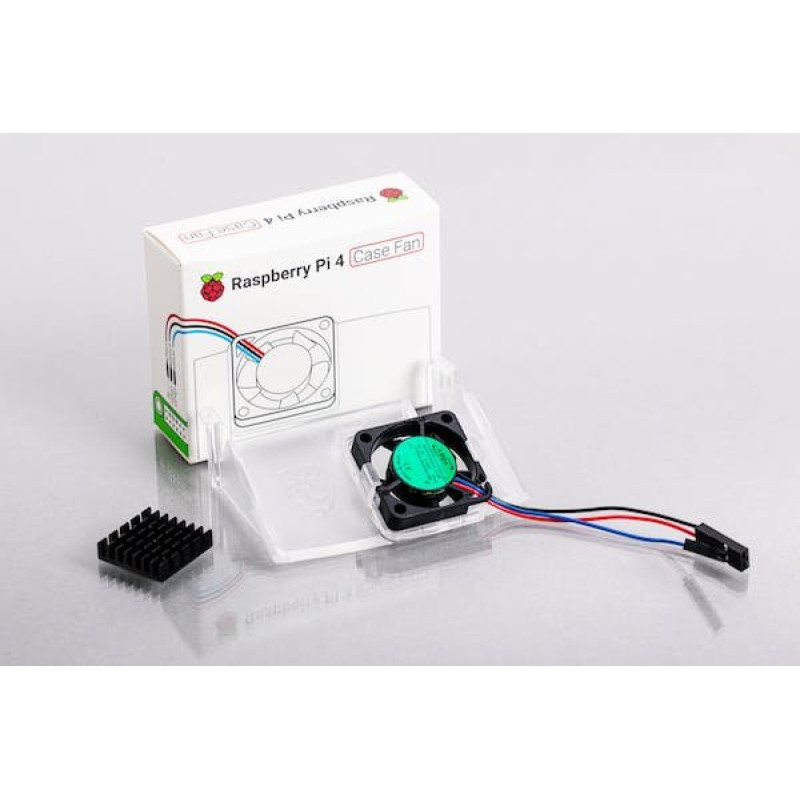


Raspberry Pi 4 Case Fan
- Pickup available in store
- Shipping calculated at checkout
- Warranty included
- Verified by Smartcart
Description
Features
Fits perfectly into the lid of the Raspberry Pi 4 Case
Temperature-controlled fan delivers up to 1.4CFM of air flow over the processor, memory, and power management IC
18mm × 18mm × 10mm heatsink with self-adhesive pad improves heat transfer from the processor
Getting started
Assembling your fan with your case
Remove any SD card, then put your Raspberry Pi into the lower half (base) of your case. Take care to align the mounting holes in the corners with the bumps in the case.
Insert the fan into the upper half (lid) of the case, with the green label facing away from the lid. Push gently but firmly so that the two tabs on the fan housing click neatly into place inside the tabs on the lid. The slightly curved edge of the housing should be flush with the underside of the lid.
If you are fitting the heatsink, remove the backing paper from the self-adhesive pad on the base of the heatsink, position it centrally over the processor, and gently press it into position.
Connect the three leads from the fan to the Raspberry Pi's GPIO pins, as shown in the diagram below. Take care to connect each lead to the correct pin.
Fit the lid of the case onto the base.